
Copper
Customer relationship management software for teams that use Google Workspace. Copper connects Gmail, Drive, and Calendar to a CRM interface for contact management, pipeline tracking, task and project coordination, and basic automation — designed for small-to-medium sales and service teams that rely on email-driven workflows.
What is Copper
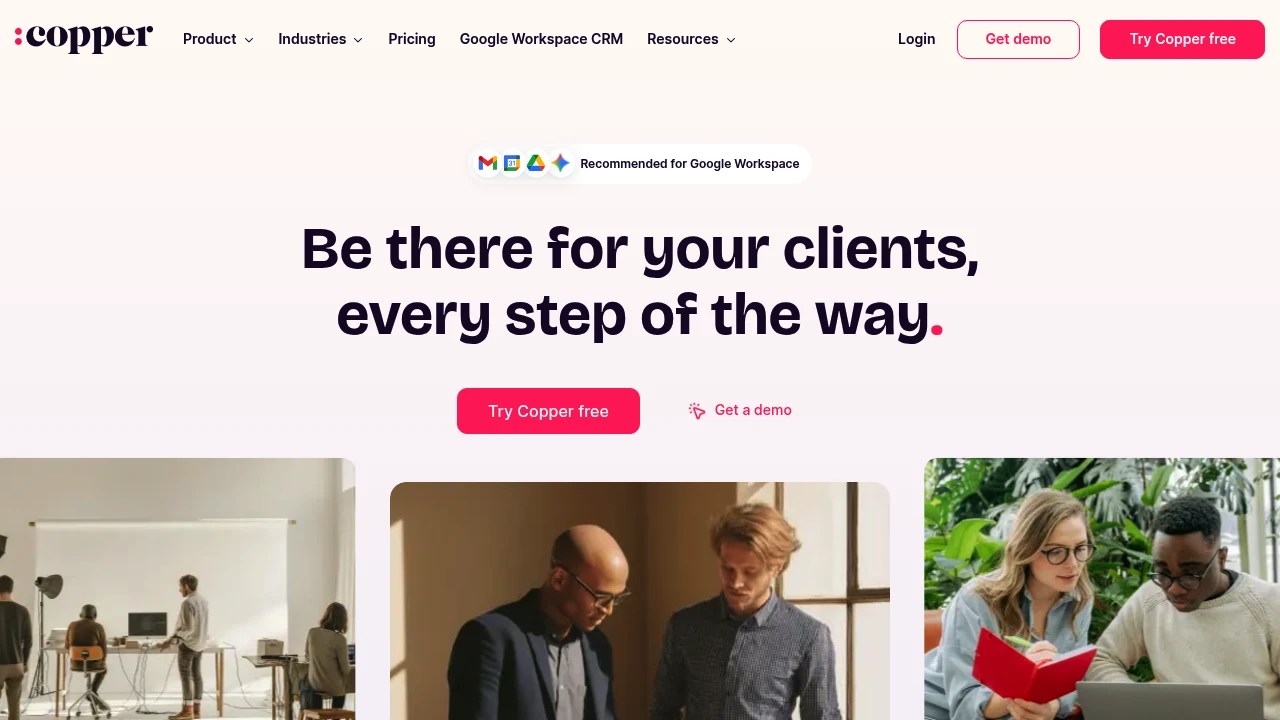
Copper is a cloud-based customer relationship management (CRM) platform designed to integrate tightly with Google Workspace and Gmail. It stores and organizes contact records, tracks deals in configurable pipelines, logs email and activity history, and provides basic automation and reporting tools so teams can manage customer lifecycles without leaving their inbox. The product targets small and midsize businesses and teams that want a simpler, email-centric CRM than some larger enterprise platforms.
Copper puts a large portion of its workflow inside or adjacent to Gmail: users can add people and companies directly from email, view CRM records inline in the Gmail interface, and sync events with Google Calendar. Beyond email integration, Copper provides a web application and mobile apps for Android and iOS so teams can access contact history, tasks, and deal status on the go.
Because Copper focuses on relationship workflows tied to email, its feature set emphasizes contact and pipeline management, lightweight automation, templates, and integrations with tools for proposals, e-signature, accounting, and productivity. That makes it a fit for revenue teams, consultants, agencies, and service businesses that manage leads and projects primarily through email.
Copper features
What does Copper do?
Copper centralizes customer records and interaction history so teams can see who a contact is, where a deal stands, and what next steps are required. Core capabilities include contact and company records, opportunity pipelines with stage management, activity logging (calls, emails, notes), and task assignment.
Key collaboration features let teams create and manage tasks and projects tied to closed deals or accounts, assign owners, and track progress. The platform provides a unified activity feed that surfaces recent customer emails, project updates, and task completions so users can get a snapshot of their account activity at a glance.
Copper also supports templated email responses and sequence-based follow-ups to maintain consistent outreach. Integrations with tools such as document signing, quoting, and accounting software let teams close deals and hand off projects without duplicating data across systems.
Core feature list
- Gmail integration: Inline CRM cards in Gmail, add contacts from email, and log messages automatically into contact records.
- Pipelines & deals: Visual deal pipelines with configurable stages, deal values, and probability/forecasting fields.
- Activity tracking: Automatic email capture, call logging, notes, and a team activity feed.
- Tasks & projects: Convert closed opportunities into projects, assign tasks, set deadlines, and follow progress in a shared workspace.
- Templates & sequences: Email templates, canned responses, and sequence automation for follow-ups.
- Mobile app: Access contacts, log interactions, and update deals from mobile devices.
- Integrations: Native and third-party integrations with Google Workspace, e-signature and proposal tools, accounting software, and automation platforms.
Copper pricing
Copper offers flexible pricing tailored to different business needs, from individuals and small teams to larger organizations requiring advanced features and enterprise controls. Pricing is typically available as monthly or annual subscriptions with discounted rates for annual billing; Copper commonly provides a free trial so teams can evaluate the product before committing. For the most accurate plan names, feature comparisons, and current rates, consult their official pricing page.
Common plan tiers you will encounter are typically listed as Free Plan, Starter, Professional, and Enterprise, with each tier increasing the limits on users, integrations, automation, and reporting. Lower tiers focus on core CRM and Gmail integration, while higher tiers add customizable workflows, advanced reporting, and enterprise-grade security and support.
When evaluating costs, account for both subscription fees and indirect expenses such as implementation time, data migration, and potential third-party add-ons (e.g., document signing, billing connectors). Many teams find annual billing reduces per-user costs compared with monthly billing; check the vendor page for current discounts and exact savings.
Visit their official pricing page for the most current information.
How much is Copper per month
Copper offers flexible monthly pricing options that vary by feature set and number of users. Monthly rates are generally higher than annual rates but provide month-to-month flexibility. For current monthly prices for each published plan tier and per-user costs, see Copper’s official pricing page.
When comparing per-month costs, review included seats, integration and automation limits, and whether phone or premium support is bundled. Small teams that prioritize short-term flexibility often select monthly billing despite the slightly higher effective rate.
How much is Copper per year
Copper offers annual billing that typically includes a discount compared to monthly payments. Annual plans are a common choice for teams that plan to maintain a CRM long-term because the per-user, per-month effective price is usually lower. Exact yearly prices and percentage savings for annual commitments are published on Copper’s official pricing page.
Annual pricing is also where many vendors include higher-level features such as advanced reporting, SSO, and priority support. Verify what features unlock at each billing cadence before committing.
How much is Copper in general
Copper pricing ranges from entry-level plans for individuals and very small teams to enterprise plans with advanced controls. Typical CRM buyers should expect to budget for subscriptions per seat plus implementation and integration costs. If you need a simple Gmail-centric CRM, lower tiers provide the essentials; if you require custom objects, workflows, and enterprise security, expect to move to a higher-tier plan.
Visit their official pricing page for up-to-date details on monthly and annual rates, any pilot or volume discounts, and enterprise quotes.
What is Copper used for
Copper is used to manage customer relationships across the sales and delivery lifecycle — from lead capture to deal close and project delivery. Sales teams use Copper to capture leads from forms, email, and other channels, then move opportunities through a configurable pipeline until they close. The platform captures communication history so reps can quickly review past conversations and prepare next steps.
Service and delivery teams use Copper to convert closed opportunities into projects, assign tasks and milestones, and maintain accountability across teams. Because Copper surfaces email history and has a project view tied to opportunities, handoffs between sales and delivery are simpler and require fewer manual documents.
Marketing and operations teams can use Copper for basic reporting, segmentation, and to feed contacts into campaigns or third-party tools through integrations. For organizations that centralize email as the primary source of customer interaction, Copper reduces the number of separate tools needed to track relationships and work assignments.
Pros and cons of Copper
Pros:
- Gmail-first design that reduces context switching for teams that live in Google Workspace. Users can add contacts and update records directly from email.
- Simple setup and onboarding relative to large enterprise CRMs; many teams can get started quickly without heavy administration or customization.
- Integrated project and task capabilities that allow teams to turn deals into deliverables and keep customer work under one record.
- Activity feed and automatic email capture make it straightforward to see interaction history without manual logging.
Cons:
- Less configurable than enterprise-focused CRMs like Salesforce; complex custom object modeling and deep workflow automation are limited at lower tiers.
- Feature limits tied to plan tiers (automations, integrations, reporting) may require higher-tier subscriptions for larger teams or advanced use cases.
- Best fit for Google Workspace environments; teams that use Outlook or Microsoft 365 as a primary email platform may not get the same seamless experience.
When assessing Copper, weigh the benefit of a Gmail-centric workflow against any requirements for heavy customization, advanced analytics, or deep ERP/accounting integrations.
Copper free trial
Copper offers a Free 14-day trial so teams can evaluate the product without providing credit card information. The trial typically provides access to a core feature set so you can test Gmail integration, pipelines, activity tracking, and basic automation in a real workflow.
Trials are useful for validating how well Copper captures email-based interactions and whether its project handoff features match your delivery processes. During the trial, import a sample of contacts, set up a pipeline, and run a few test sequences to confirm automations behave as expected.
Trial length and conditions can change, so check the signup details. If you require a proof-of-concept for multiple stakeholders, coordinate trial access across a small cross-functional group (sales, support, operations) to fully evaluate the product.
Is Copper free
No — Copper does not offer a permanent free tier for unlimited time, but it provides a Free 14-day trial for new users. The trial gives teams temporary access to evaluate core features before selecting a paid plan. For startups and individuals seeking a zero-cost long-term CRM, consider whether Copper’s paid tiers deliver enough value compared to other vendors with free tiers.
Copper API
Copper provides a RESTful API and developer resources to let teams integrate Copper with other systems, automate data flows, and extend platform capabilities. The API supports key objects such as people, companies, leads, opportunities, activities, and custom fields, enabling programmatic read/write access to most CRM records.
Authentication is typically handled via OAuth 2.0 for secure access by third-party applications, and the API supports pagination, filtering, and bulk operations where appropriate. For webhook-style notifications, Copper offers event hooks that let external systems respond to changes in records (for example, when a deal moves stages or a new contact is created).
Developers should consult Copper’s official developer documentation for endpoint details, rate limits, sample code, and SDKs: see their developer documentation. When planning integrations, account for API usage limits, error handling, and data mapping between source systems and Copper’s data model.
10 Copper alternatives
Paid alternatives to Copper
- HubSpot CRM — Free-to-start CRM with extensive marketing, sales, and service hubs that scale into paid tiers for automation and reporting; strong ecosystem and a large template library.
- Salesforce Sales Cloud — Enterprise-grade CRM with deep customization, advanced reporting, and large partner ecosystem; suited for complex sales processes and large organizations.
- Pipedrive — Pipeline-focused CRM with a visual sales board, good automation features, and easy setup for small sales teams.
- Zoho CRM — Broad CRM with modular apps, customizable workflows, and integrated analytics for teams that want a wide feature set at competitive price points.
- Freshsales (Freshworks CRM) — CRM with AI-based lead scoring, built-in phone, and task tracking; integrates with the broader Freshworks product suite.
- ActiveCampaign — CRM + marketing automation with strong email automation, customer journeys, and CRM features focused on nurturing and retention.
- Nimble — Simple contact management and social profile enrichment focused on relationship building for small teams.
Open source alternatives to Copper
- SuiteCRM — An open source fork of SugarCRM offering sales, marketing, and service modules with on-premise hosting and full database access.
- OroCRM — Open source CRM oriented toward B2B commerce and channel management with a modular architecture for developers.
- EspoCRM — Lightweight open source CRM that supports custom entities, workflows, and REST API for integrations.
- CiviCRM — Open source CRM tailored to non-profits and membership organizations, with donor and contribution management features.
Frequently asked questions about Copper
What is Copper used for?
Copper is used for customer relationship management and pipeline tracking. Businesses use it to manage contacts, track deals, log email and activity history, assign follow-up tasks, and hand off closed opportunities to project teams. Its Gmail-centric design makes it especially useful for teams that do most of their work in Google Workspace.
How does Copper integrate with Gmail and Google Workspace?
Copper integrates directly with Gmail and Google Workspace. Users see inline CRM cards in Gmail, can add contacts from email messages, and sync events with Google Calendar; it also connects with Google Drive to attach documents to records. These integrations reduce the need to switch applications when updating CRM data.
Does Copper offer an API for integrations?
Yes, Copper provides a RESTful API and developer resources. The API supports core CRM objects (people, companies, opportunities, activities) and uses OAuth 2.0 for authentication; developers can also use webhooks for event-driven integrations. See their developer documentation for endpoints and examples.
Can I import data from Excel or other CRMs into Copper?
Yes, Copper supports data import from CSV and common CRM exports. The import tools map columns to Copper fields, let you preview mappings, and handle deduplication rules to reduce duplicates during migration. For complex migrations from large CRMs, plan for data cleanup and test imports in a staging workspace.
Is there a free version or trial of Copper?
Copper offers a Free 14-day trial for new users. The trial provides temporary access to core features to evaluate Gmail integration, pipelines, and basic automations; long-term use requires selecting a paid subscription. Check their official pricing page for current trial offers.
How secure is data stored in Copper?
Copper implements industry-standard security measures for cloud CRM platforms. These typically include encrypted data in transit (TLS), role-based access controls, and account authentication options like two-factor authentication and single sign-on on higher tiers. For detailed compliance and security claims, review Copper’s security information.
Why choose Copper over a larger CRM platform?
Copper is chosen for its Gmail-centric workflow and simpler setup. Teams that rely on email and Google Workspace often prefer Copper because it reduces context switching, has a shorter learning curve, and requires less administrative overhead compared with large, highly configurable CRMs. However, organizations needing deep customization or enterprise-scale workflows may prefer more robust platforms.
When should a team consider upgrading to a higher Copper plan?
Upgrade when your team needs more automation, integrations, or enterprise controls. Signs include hitting automation or integration limits, needing SSO or advanced security, requiring custom reporting, or managing complex multi-stage sales processes. Review plan limits and expected growth to plan the upgrade timing.
Where can I find Copper reviews and user feedback?
You can find Copper reviews on independent software review sites and marketplaces. Sites such as G2, Capterra, and Trustpilot compile user ratings, feature pros and cons, and case studies; these sources help compare user satisfaction across feature areas and company sizes. Also review customer testimonials and use-case write-ups on Copper’s site and third-party articles.
Does Copper have a partner or affiliate program?
Yes, Copper offers partner and reseller programs for agencies and consultants. These programs typically provide referral commissions, reseller discounts, and partner support for implementation and onboarding. If you plan to recommend Copper to customers or resell its subscriptions, contact Copper’s partner team via their corporate site for program details.
Copper careers
Copper maintains a careers page and hires across product, engineering, sales, marketing, and customer success roles. Job listings typically include remote and hybrid positions, reflecting the company’s distributed workforce model. For active openings, benefits, and application instructions, check Copper’s corporate careers section on their website.
Copper affiliate
Copper works with partners and affiliates to expand distribution; program details vary over time and may include referral fees, joint-marketing resources, and onboarding support for partners. Prospective affiliates should contact Copper’s partnerships or sales team to learn about current terms and application steps.
Where to find Copper reviews
Independent review platforms such as G2, Capterra, and Trustpilot provide user-generated reviews, ratings, and feature comparisons for Copper. Reading a mix of short ratings and longer case studies helps prospective buyers understand real-world implementation experiences and common trade-offs when choosing a Gmail-focused CRM.

Similar to Copper


